 uDeck
uDeckGames and homebrew
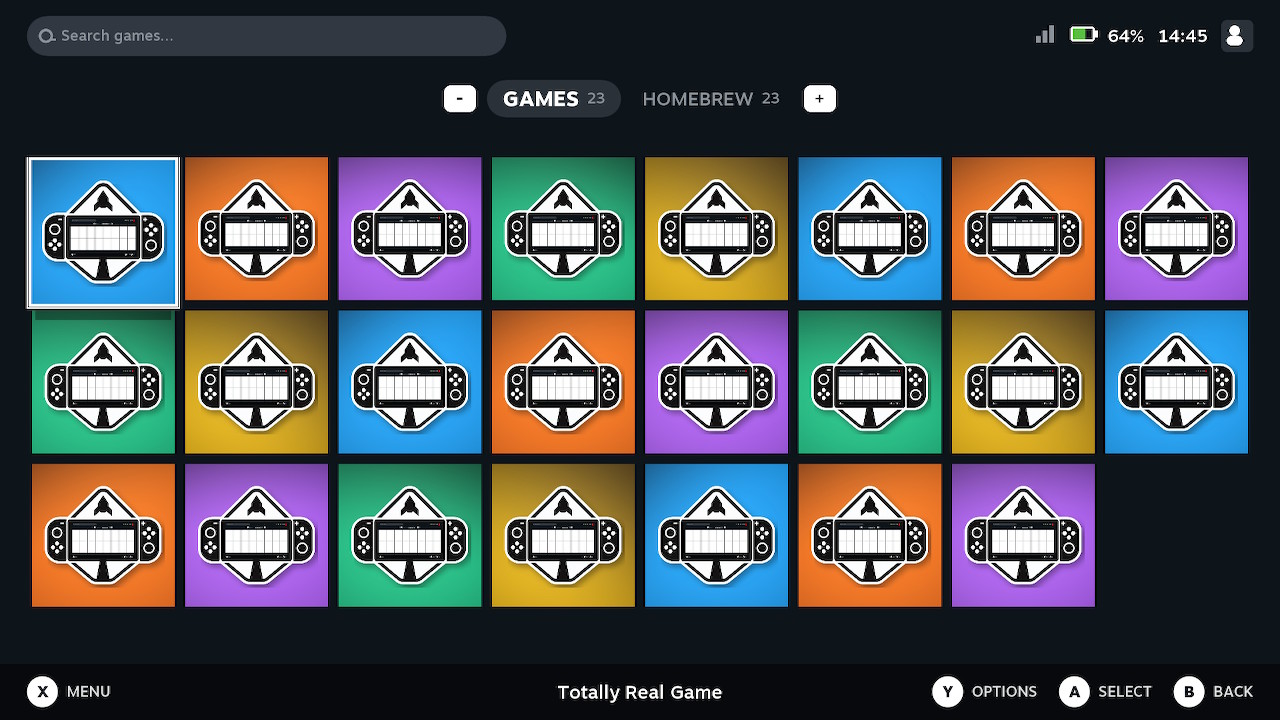
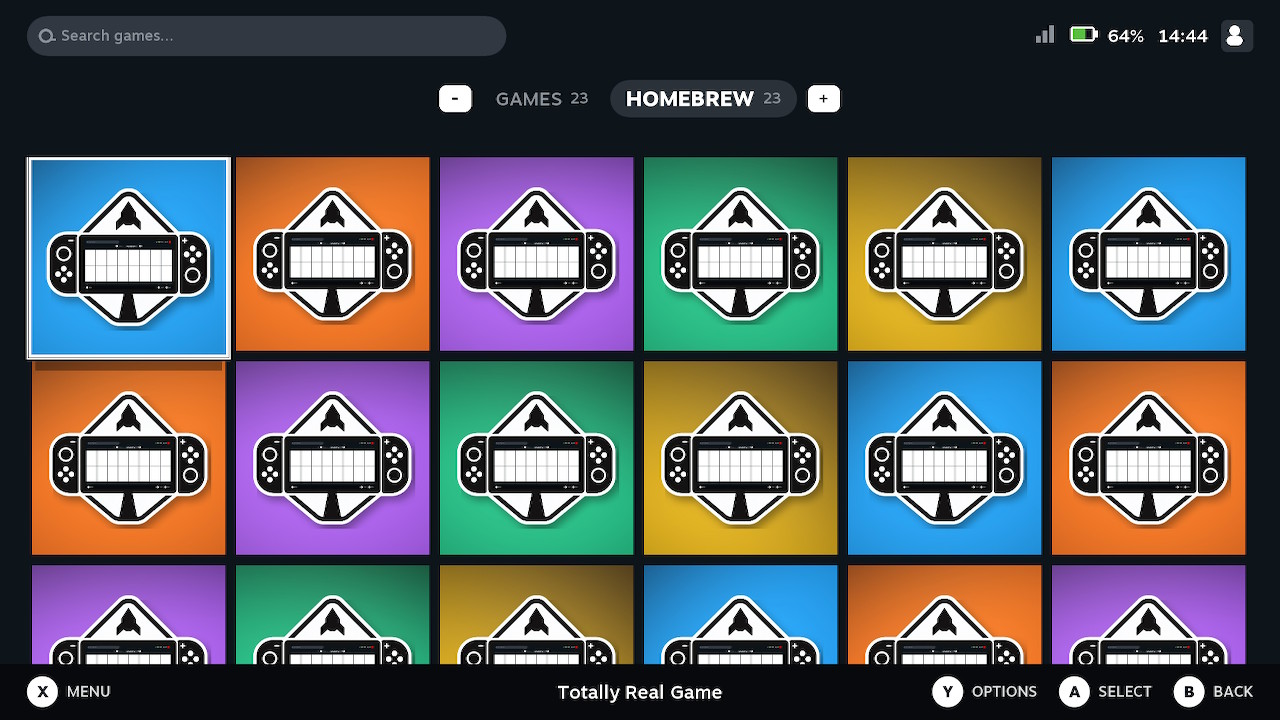
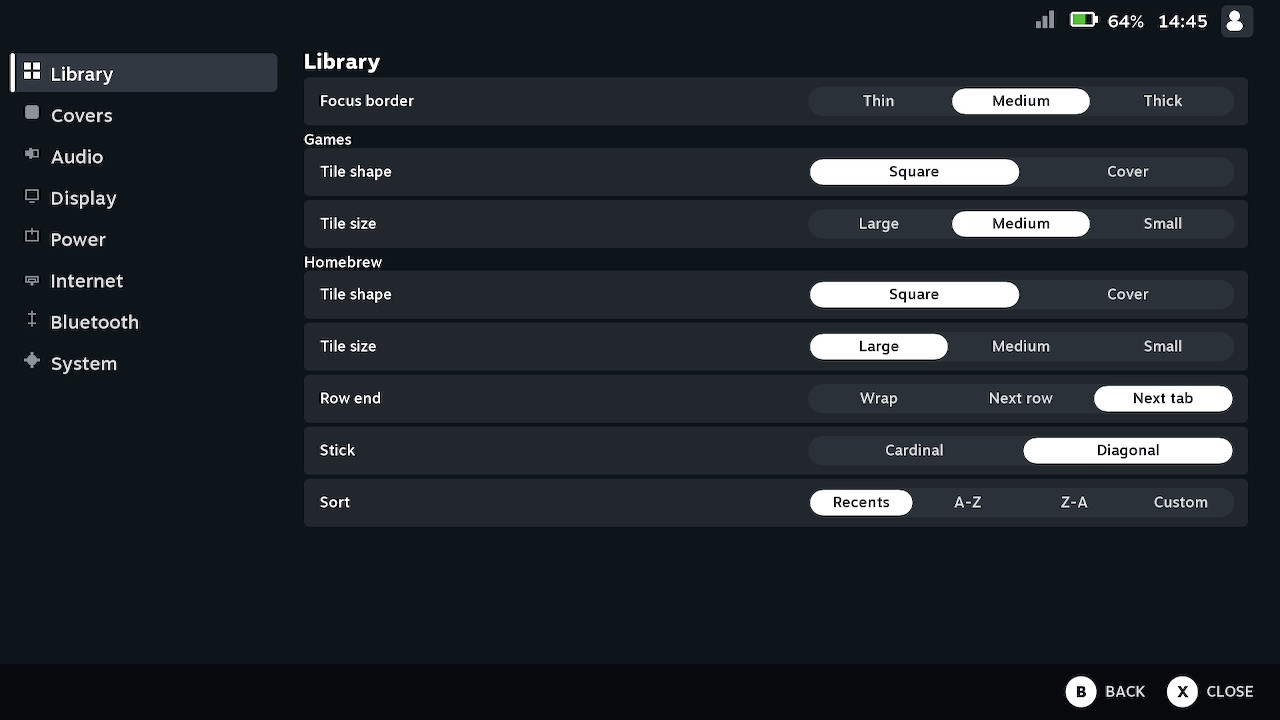
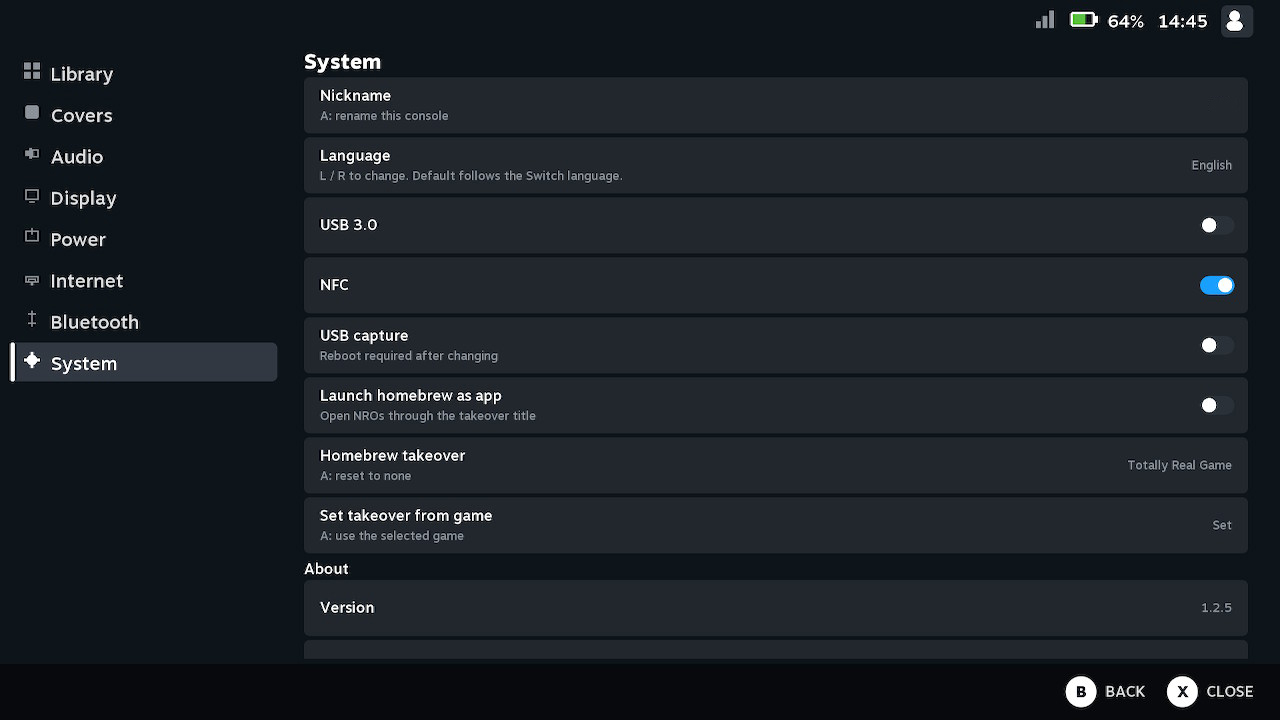
Two tabs, one grid. Press A to launch the focused title. Homebrew starts as a full application with the RAM of a game, using uLaunch’s takeover path.
uDeckLaunch
Games and homebrew sit on one grid. One NRO to install. Built on uLaunch by XorTroll — this project replaces the main-menu grid.
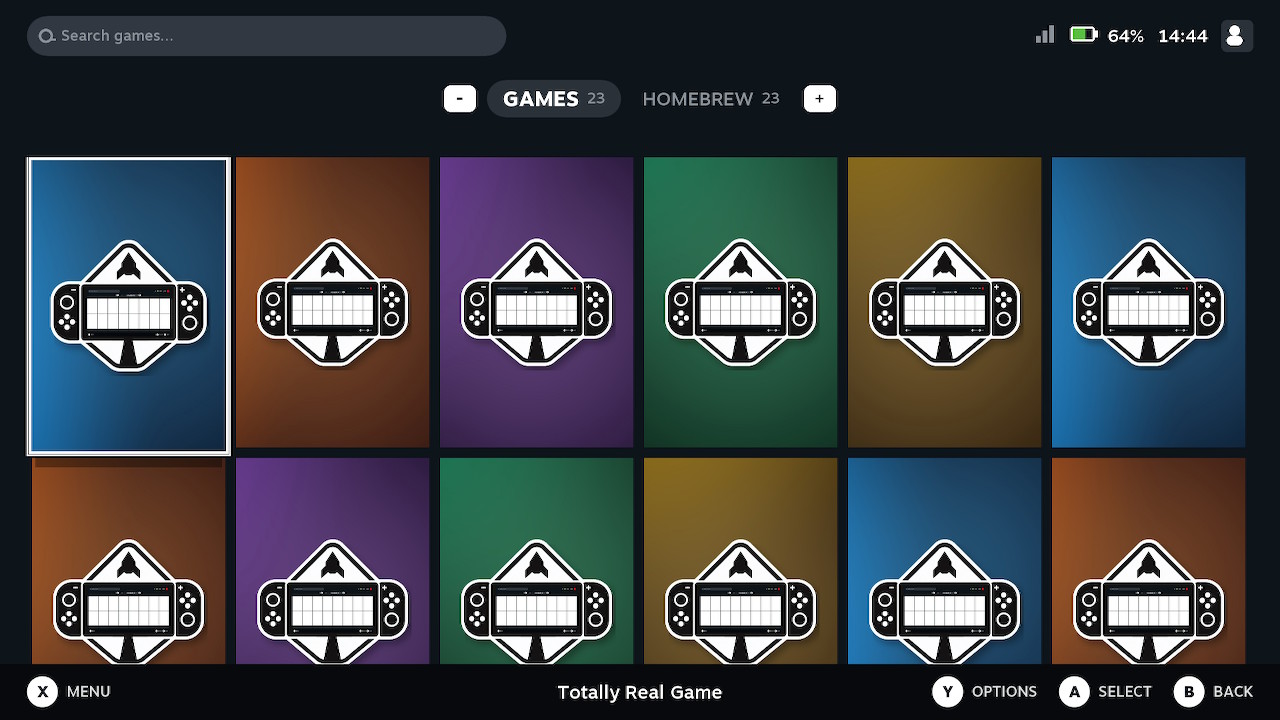
Two tabs, one grid. Press A to launch the focused title. Homebrew starts as a full application with the RAM of a game, using uLaunch’s takeover path.
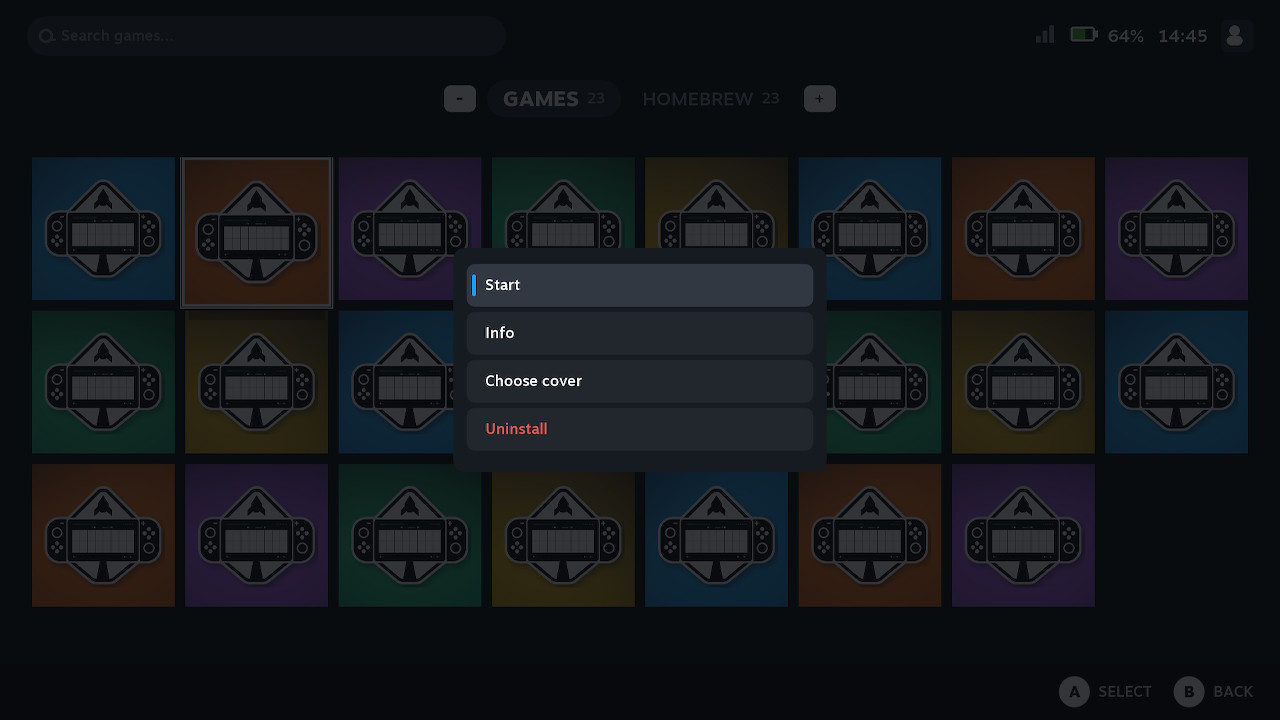
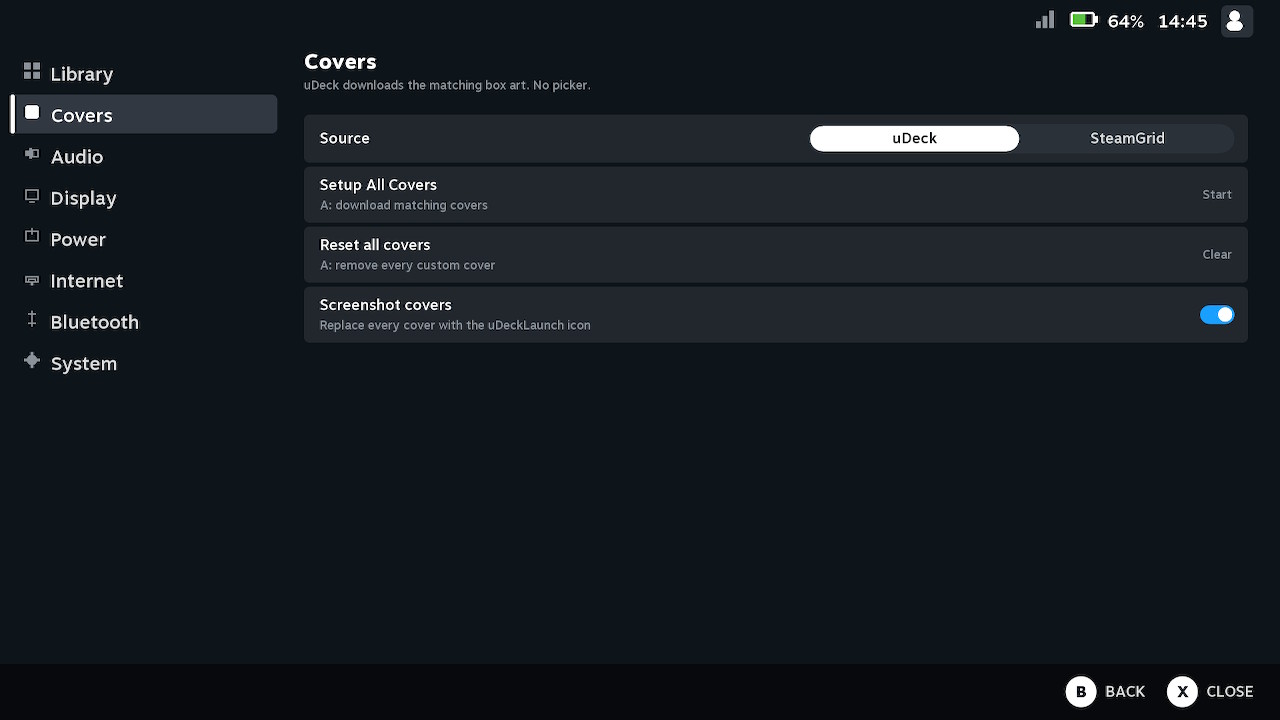
Choose art from SteamGridDB or the uDeck cover library. SteamGridDB uses a short EasyAPI code. uDeck matches titles automatically — no picker on the Switch.
Copy uDeckLaunch.nro to sdmc:/switch/uDeckLaunch/ and run it from hbmenu. The first launch unpacks the menu, activates it, and reboots.
On the Switch
Library shots use Screenshot covers, so real titles stay off the page.
Requires Atmosphère 1.11.x. Not affiliated with Valve or Nintendo. Please support uLaunch.